
ISO 80369-20 Annex F Axial Load Separation
Method page for ISO 80369-20 axial-load separation equipment, reference connector support, fixture setup, workflow and report inputs.
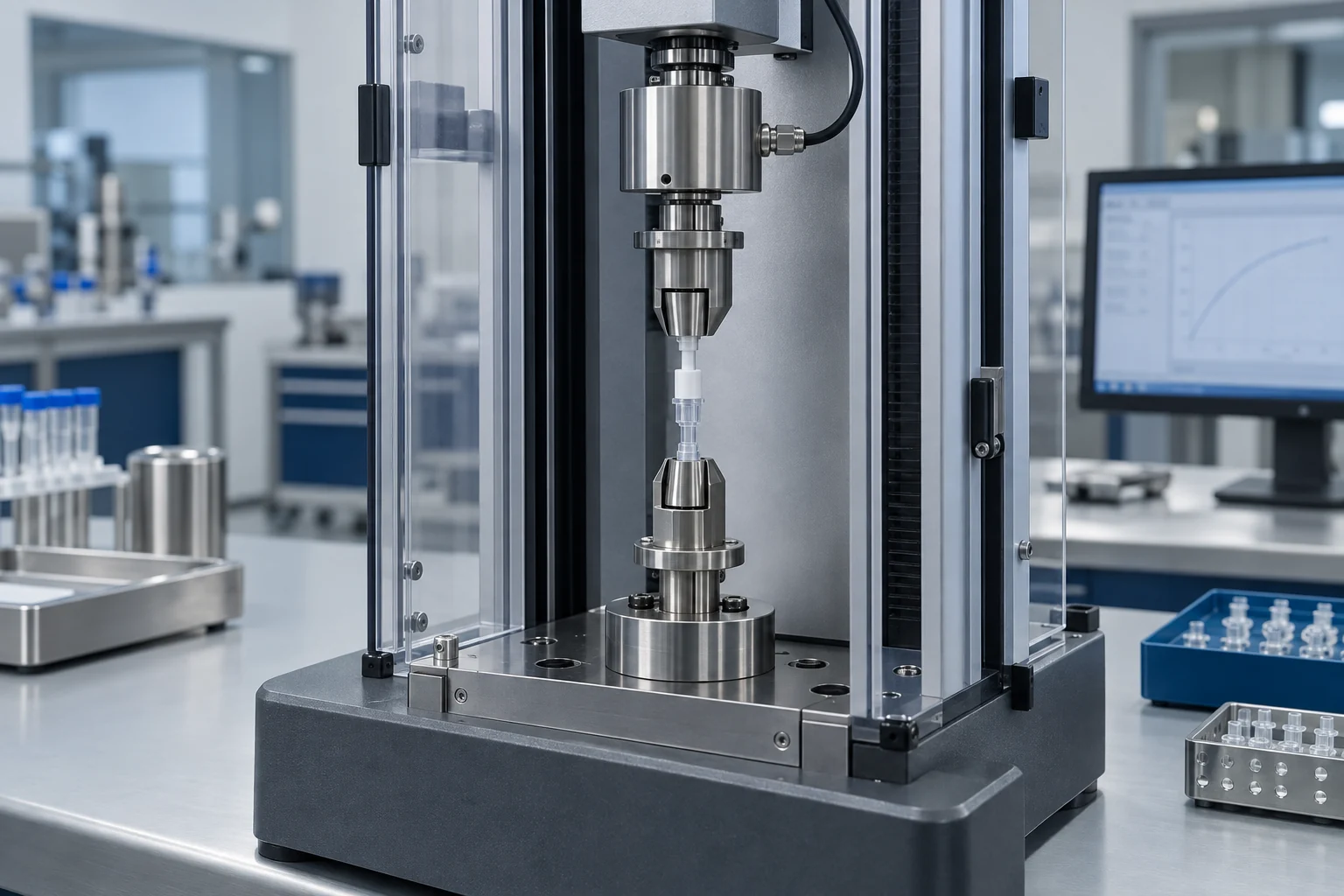
Select the method before selecting the equipment
Axial-load separation testing applies controlled movement and force along the connector axis. KingPo supplied documentation identifies ISO80369-20 Annex F scope and gives equipment values including 800 mm maximum stroke, 120 mm maximum test width, 500 N maximum test force and USB data transmission.
ISO 80369-20 Annex F axial-load equipment relationship is supported by KingPo supplied operating material.
Build the measurement chain around the connector
Identify the device under test, select the correct mating or reference interface, support it with the required fixture, connect the measurement channel, and define the result record before requesting equipment.
Annex F axial-load software and reporting workflow
KingPo supplied axial-load material documents the AnyTest software workflow around online device communication, pilot program selection or editing, velocity/control settings, record inquiry, curve display and report generation.
- Documented Annex F scope with 500 N maximum test force, 800 mm maximum stroke and 120 mm maximum test width.
- Speed range: 0.01-500 mm/min; force and displacement measurement accuracy: +/-0.5%.
- The software toolbar includes Return to Zero, Clear, Up, Down, Fast, Stop and Run controls.
Confirm the sample, setup and required records
Ask whether the deliverable should include equipment documentation, a test report, calibration discussion or a setup checklist.
Laboratory preparation
- Identify the tested connector and the mating reference connector or counterpart.
- Prepare the AnyTest software workflow if needed: online device communication, pilot program selection/editing and velocity setting.
- Confirm fixture support, load direction, displacement or force control and report template needs.
- KingPo supplied documentation names real-time display, record inquiry, curve display, result recalculation and Generate Reports functions.
Send these details with your inquiry
Use equipment photos for product identity. Software screenshots are supporting visuals for workflow discussion.
Related standards, requirements and equipment
Confirm the applicable standard, product family and test method, then include the required quantity, fixtures and documents with your inquiry.
ISO 80369-20
Common test method relationship hub for ISO 80369 performance workflows.
Axial Load Separation Requirement
Illustrative relationship page for axial load separation equipment and fixtures.
ISO 80369-20 Annex F Axial Load Separation Tester
KingPo supplied documentation identifies this equipment for ISO 80369-20 Annex F resistance to separation from axial load, including force, displacement, software and report workflow context.